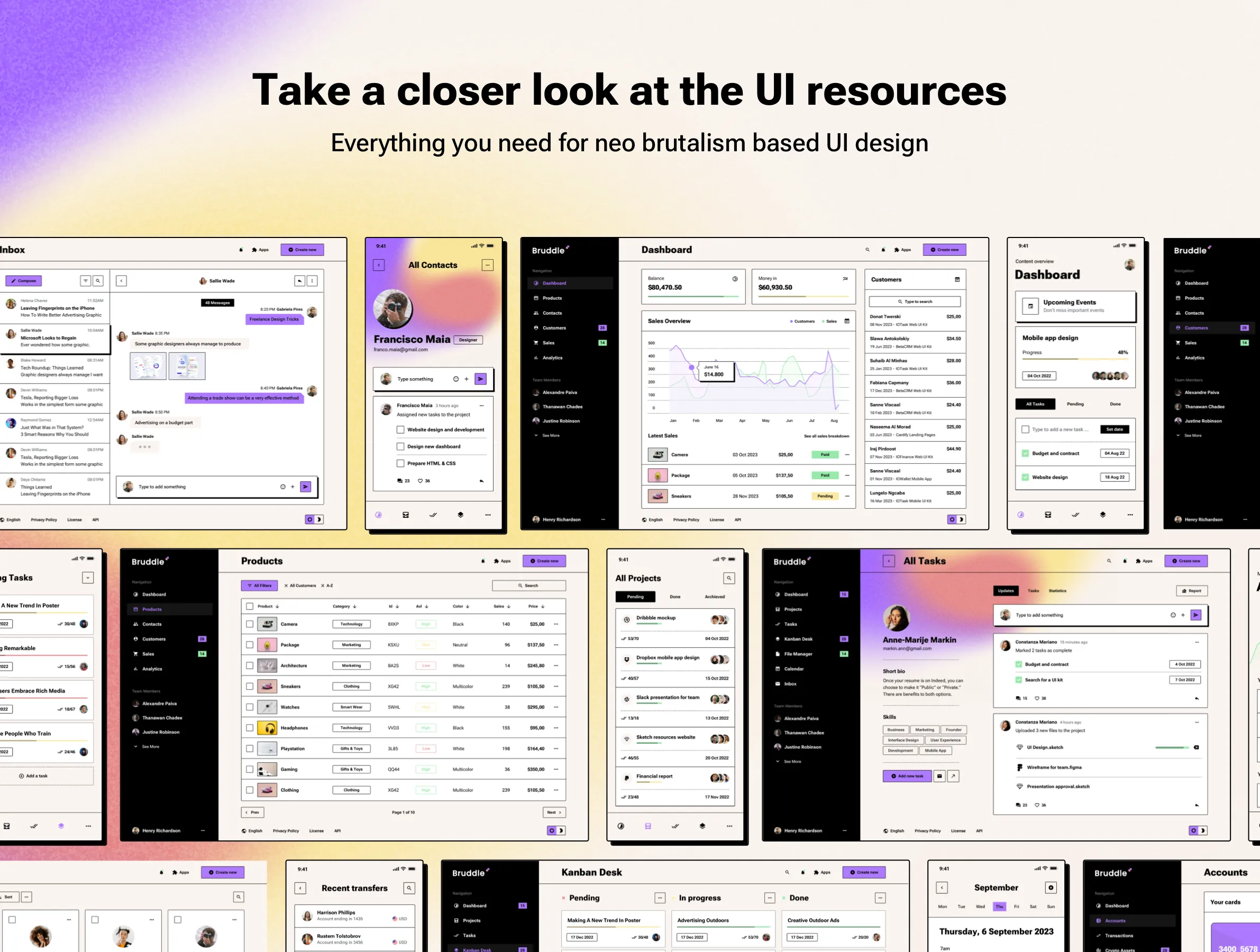
About the product
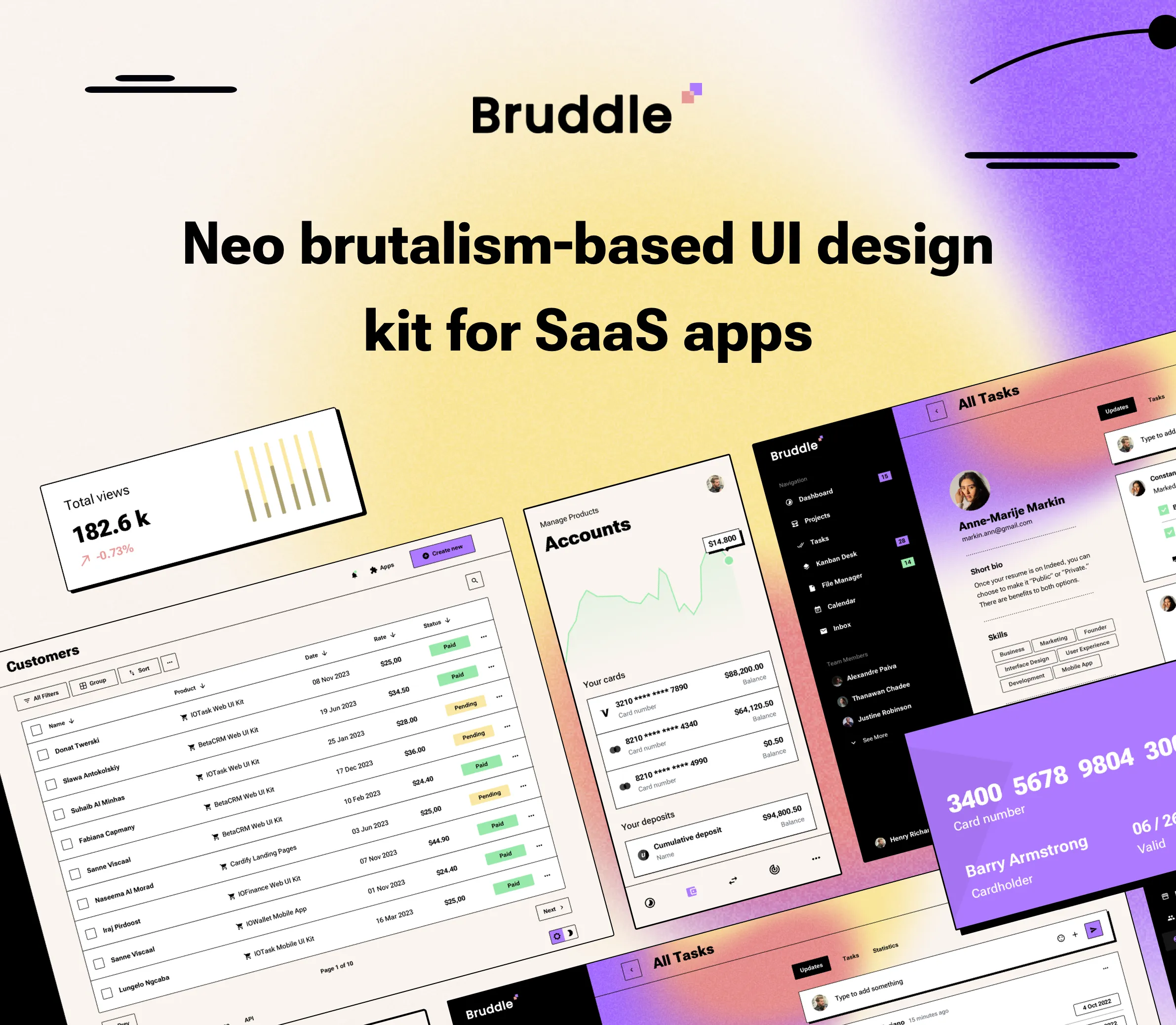
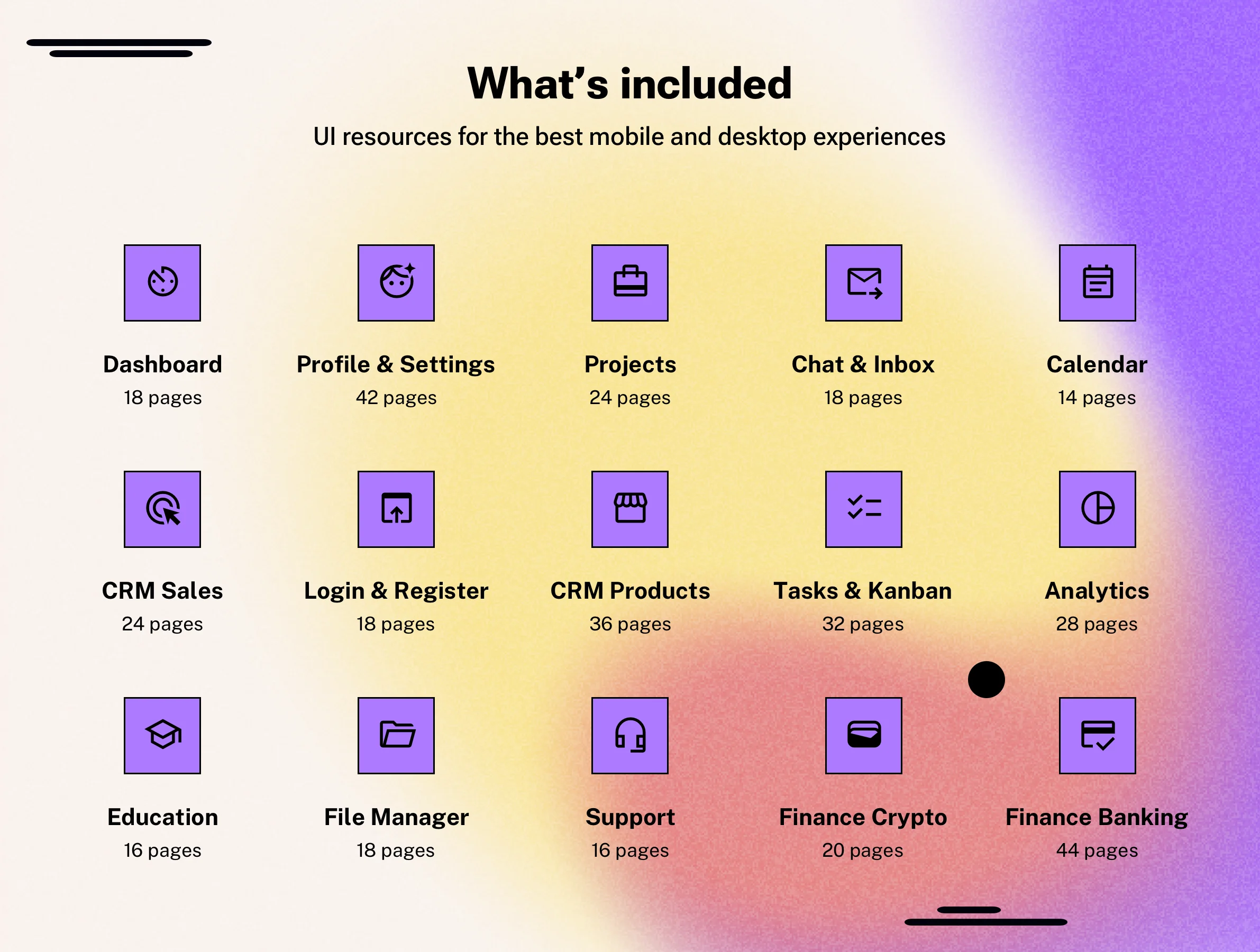
Bruddle is a top-notch UI kit created based on neo-brutalism design trends for apps and websites. The one and only user interface template inspired by flat design principles that will help you design web or mobile apps for a SaaS startup. Kickstart any project with 10 pre-made categories for a project management app, dashboard, to-do app, kanban desk, database, CRM portal, fintech, crypto, and many more SaaS apps. Bruddle UI kit is compatible with Sketch and Figma apps. Bruddle includes everything you need to prototype your ideas with the following features quickly:
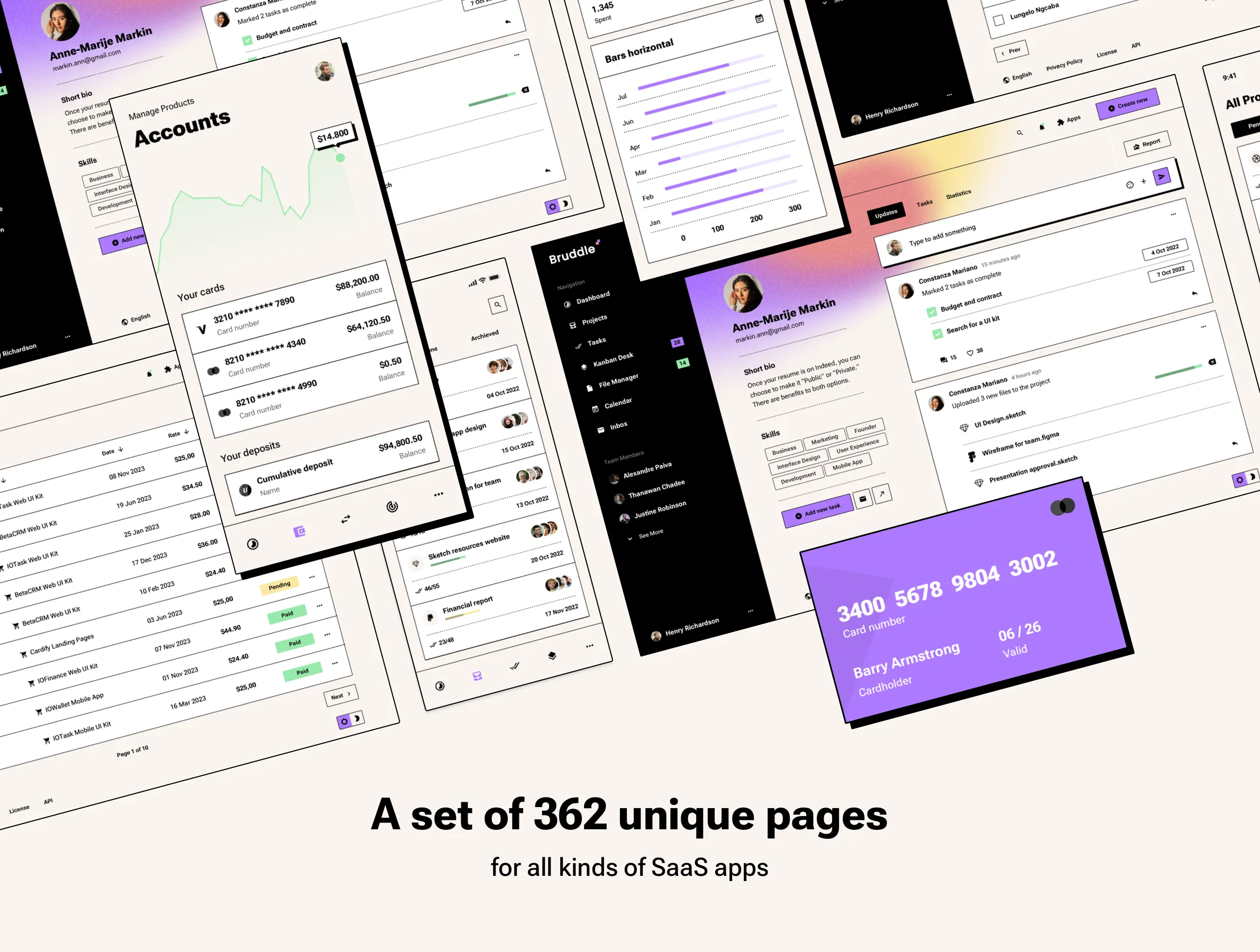
- A set of 362 unique pages: Resources for all kinds of SaaS apps.
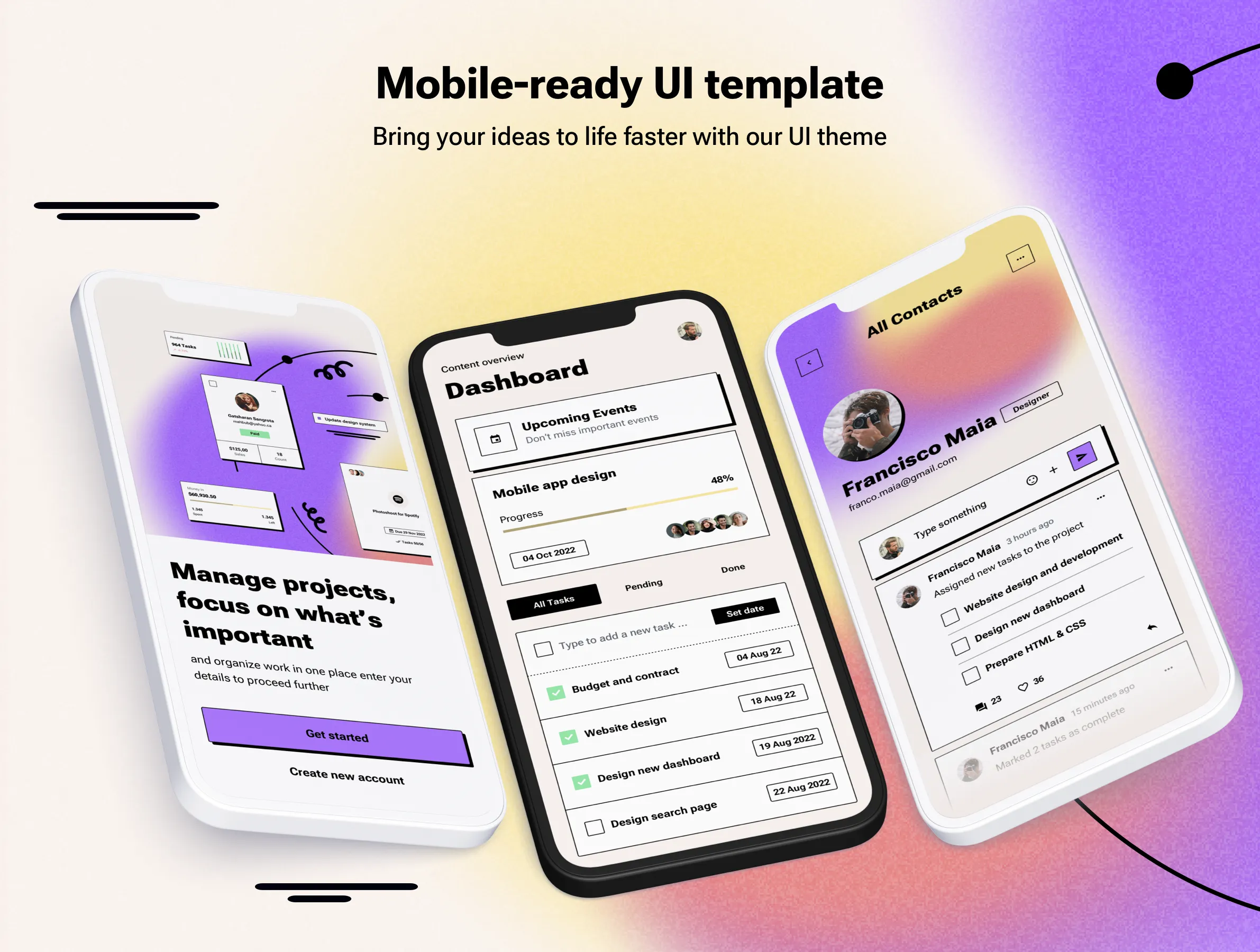
- Mobile-ready UI template: Bring your ideas to life faster with our UI theme.
- 463 symbols for a user interface: A flexible UI kit ready for SaaS apps.
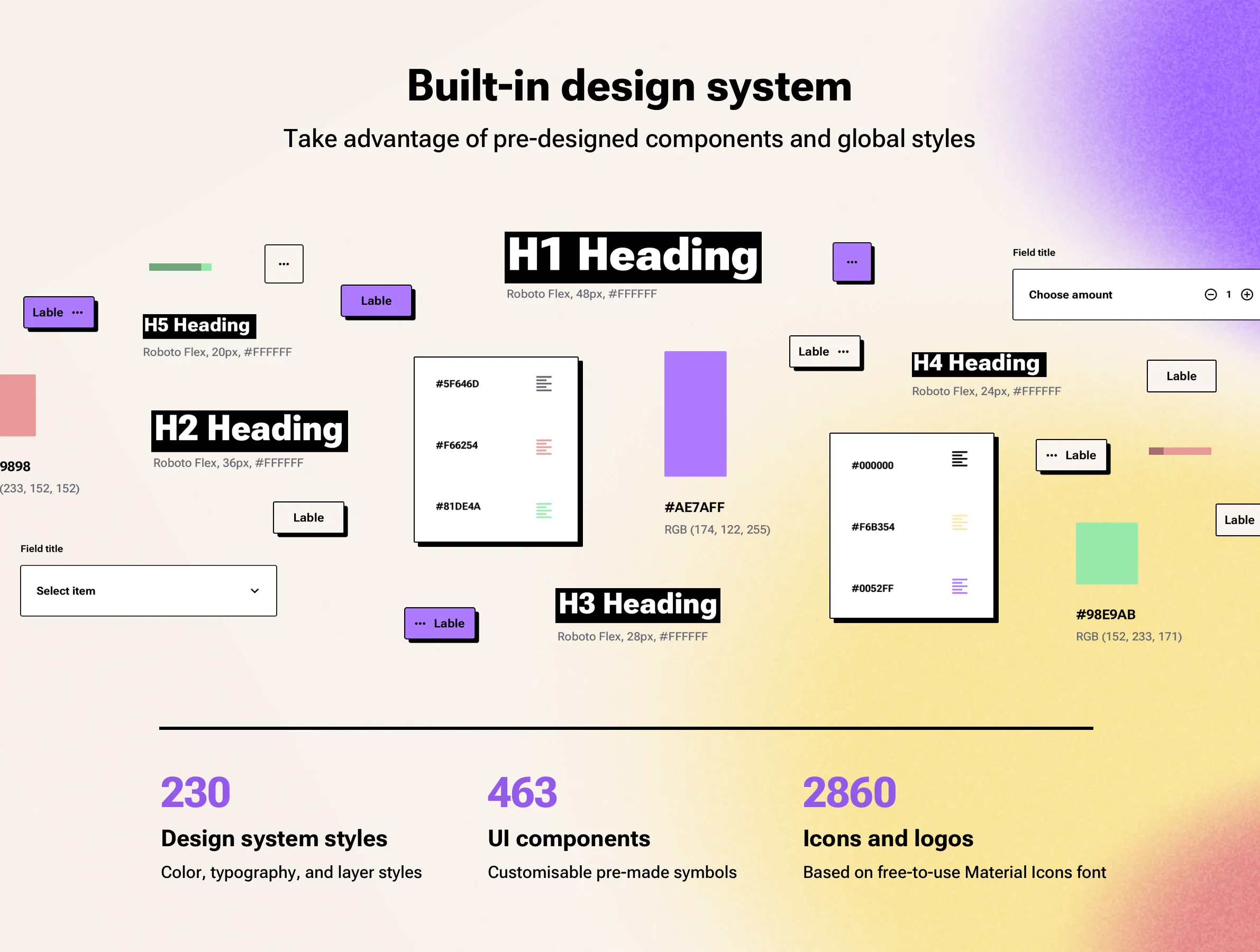
- 230 design system styles: Built-in design system with color, typography, and layer styles.
- 2860 Icons and logos: Based on the free Material Icons font.
Ready-to-use design systems with Styles and Symbols
Neo-brutalism has emerged as a striking and provocative design trend in the realm of UI design, drawing inspiration from the architectural movement of the mid-20th century. While its predecessor, brutalism, was known for its raw, unpolished aesthetic, neo-brutalism introduces a modern twist, and flat design with high-contrast elements, balancing starkness with a degree of digital refinement.
Take advantage of pre-designed components and global styles
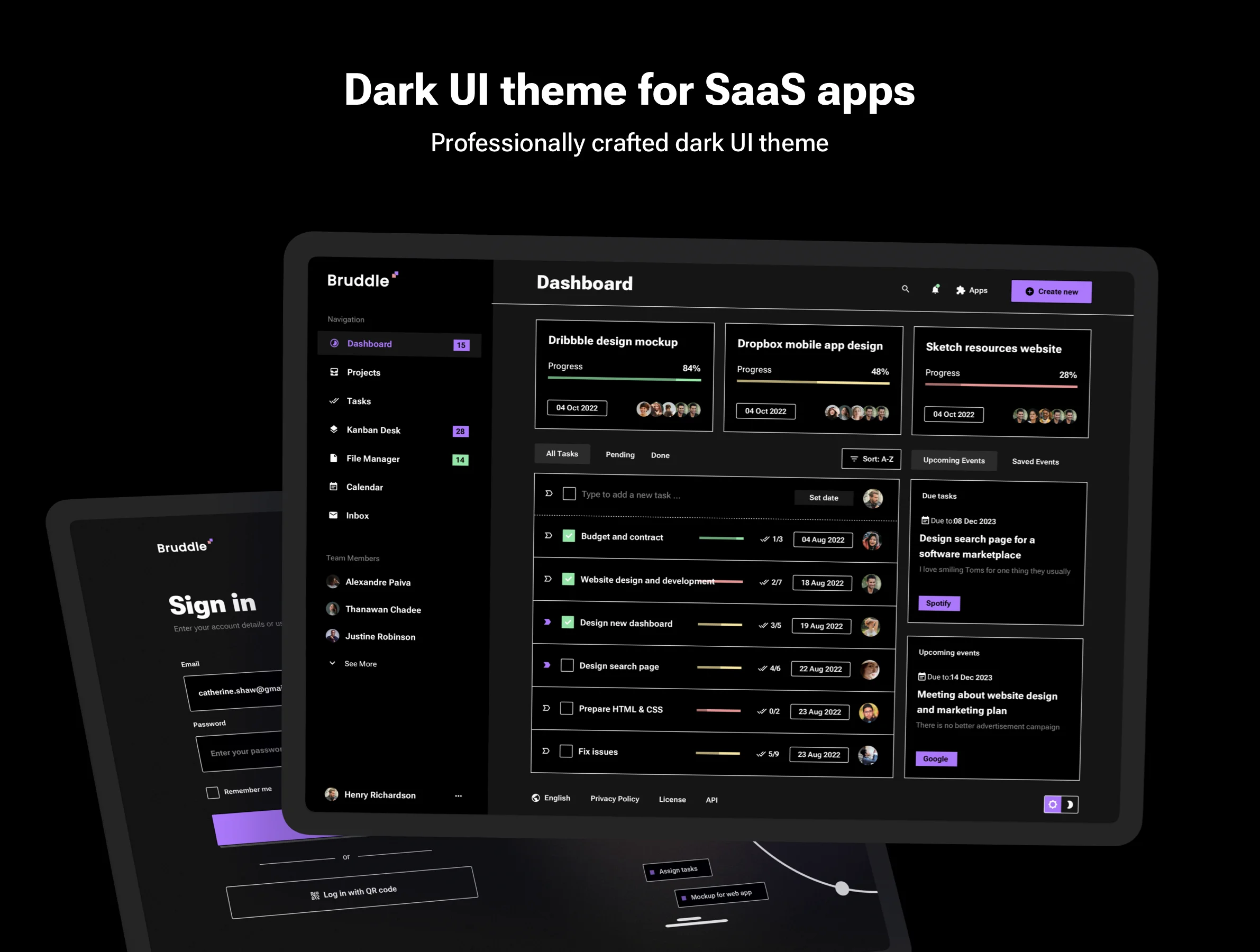
Use a tool of your choice to design a high-contrast UI faster with our Design System, which includes symbols, global layers, vibrant color styles, and font styles, as well as a ready-to-use dark UI theme. We designed 362 user-friendly pages for web and mobile apps. Use a set of 460 UI kit symbols to build your product design.
Changelog
- 🚀 Mar 23, 2026 - This version features a refined design system. Auto layout and variables added to the Figma version. Smart layout added to the Sketch app file.
- 🔄 May 3, 2023 - Added layouts for tablet breakdown
Note: The Bruddle ReactJS template is sold exclusively on the UI8 marketplace and can be purchased only as a separate product using this Bruddle ReactJS Theme
Product summary
360 Pages
Breakpoints for
web, tablets, and phone
10 Apps categories
460 UI components
Google Fonts
Design System
Light and Dark UI theme
Material Symbols & Icons
Framer components
Vector-based components
Content backed by Framer CMS
Styles & Color Variables
Well-organized design files
Figma Auto Layout
Sketch Stack Layout
Questions we get asked the most
Learn more about Neo-brutalism UI design style. Neo-brutalism has emerged as a striking and provocative design trend in the realm of UI design, drawing inspiration from the architectural movement of the mid-20th century. While its predecessor, brutalism, was known for its raw, unpolished aesthetic, neo-brutalism introduces a modern twist, and flat design with high-contrast elements, balancing starkness with a degree of digital refinement.
Key Characteristics: Raw and Unpolished Elements for apps and websites. Neo-brutalism embraces a sense of rawness, often featuring elements that appear unrefined in classic website design. This can manifest in the form of visible grid lines, sharp corners, and a general rejection of overly polished visuals. Bold Typography: Typography liks sans serif fonts plays a central role in neo-brutalism, with designers favoring large, bold fonts that command attention. This emphasis on typography contributes to the style's strong visual impact. Geometric Shapes: Geometric shapes, such as squares, circles, and rectangles, are prominently featured in neo-brutalist designs. These shapes provide a sense of structure and order, while also contributing to the style's distinctive visual language. Asymmetrical Layouts: Neo-brutalism often breaks away from traditional grid-based layouts, opting for asymmetrical arrangements that create a sense of dynamism and visual interest. High-Contrast Color Palettes: Neo-brutalism embraces bold and vibrant color palettes, often featuring high-contrast combinations that create a sense of intensity. This fearless approach to color contributes to the style's striking visual impact.
Considerations for UI Design:
Usability: While neo-brutalism prioritizes aesthetics, it's crucial to maintain a focus on usability. Designers must ensure that the style's bold visuals do not compromise the user's ability to navigate and interact with the interface. Accessibility: The high-contrast color palettes and bold typography of neo-brutalism can be beneficial for accessibility. However, designers must carefully consider color contrast ratios and ensure that text remains legible. Target Audience: Neo-brutalism's bold and unconventional aesthetic may not appeal to all users. Designers should carefully consider their target audience and determine whether the style is appropriate for their needs. Balancing Aesthetics and Functionality: It is very important to balance the raw aesthetic, with the functionality of the user interface. Overly raw designs can confuse users. Neo-brutalism in UI design is about embracing a raw, unapologetic aesthetic while maintaining a focus on functionality.It's a style that dares to be different, and when executed effectively, it can create truly memorable user experiences.
Upon the release of any new version, you will be promptly notified via email. All forthcoming updates are provided free of charge, ensuring your design system remains current and continually enhanced. These updates consistently introduce valuable new features, maintain compatibility with the latest application versions (including Figma, Sketch, and Framer), and integrate performance improvements.
For comprehensive details regarding our licensing rules, permitted usage, and any restrictions, kindly consult the dedicated license page. Should you require an upgrade to a previously acquired license, please reach out to our support team to receive a unique upgrade code. This ensures a seamless and compliant transition to the enhanced usage tier your project requires.
For detailed information about the refund policy, please visit the refund page. Given the digital nature of our products, all sales are final. Refunds are exclusively granted under a few limited conditions.
To get started, go to your download folder and open the Remix link PDF file. Clicking this link will prompt you to either create a new Framer account or copy the theme to your existing one. You can find more detailed instructions in the help files included with your purchase.
Learn more in quickstart guide
You can get a 25% discount on a PRO annual subscription when you use our unique partner link and subscribe with the promo code. Check out more details about Framer Discount Code
Please check the downloaded files for any additional font packages. These files must be installed on your PC or Mac, and the graphics editor (Figma or Sketch) must then be restarted to ensure the fonts are properly loaded. Learn how to install Google fonts
Please check the downloaded files for Material icons font package. These files must be installed on your PC or Mac, and the graphics editor (Figma or Sketch) must then be restarted to ensure the fonts are properly loaded. Learn how to install Material icons font
Following your purchase, you will receive dedicated assistance for any inquiries or technical issues you may encounter. All clients receive support exclusively via email. Please visit the contact us page for more details. This structured approach ensures that you receive detailed, documented solutions from our expert team, typically within one business day.