About the product
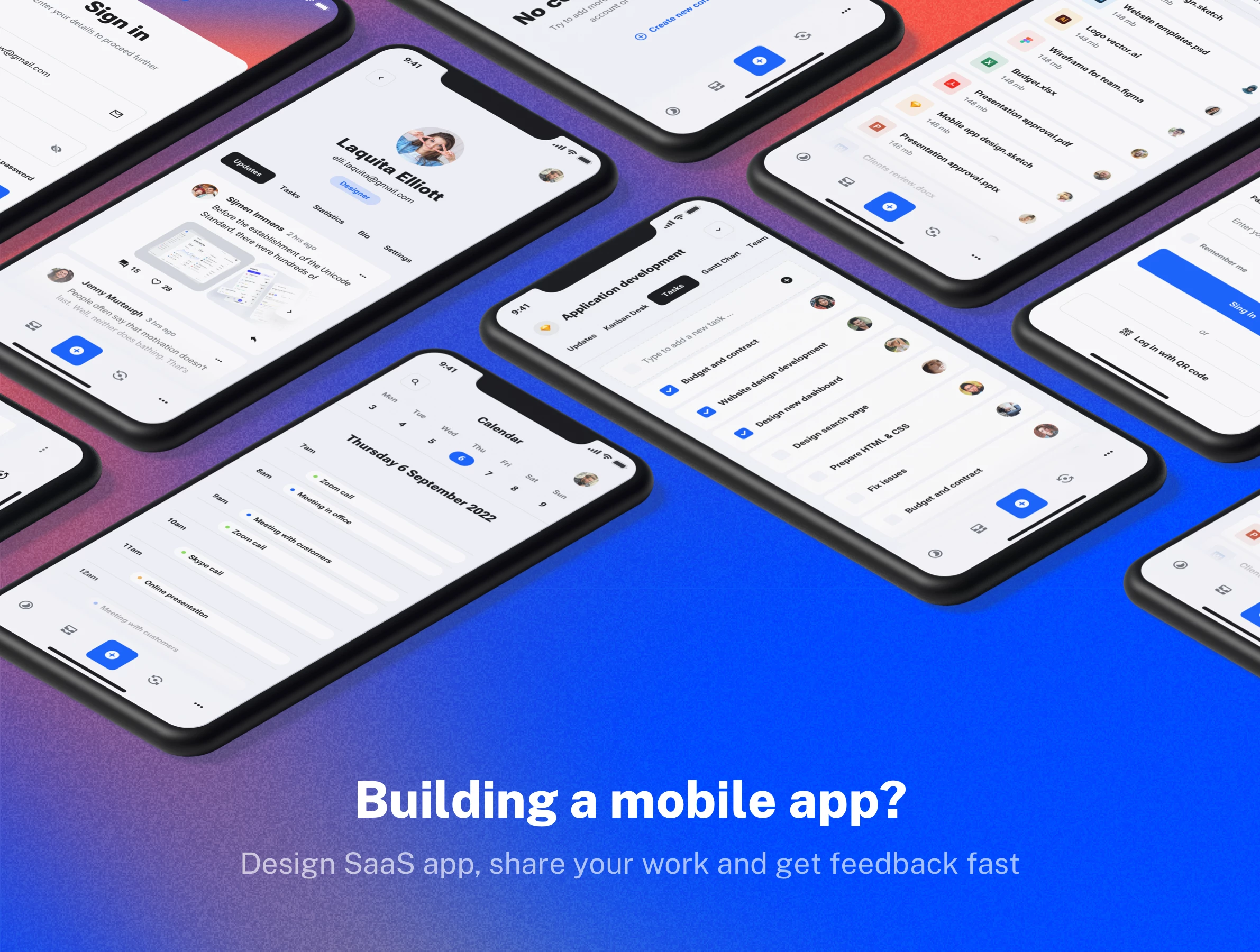
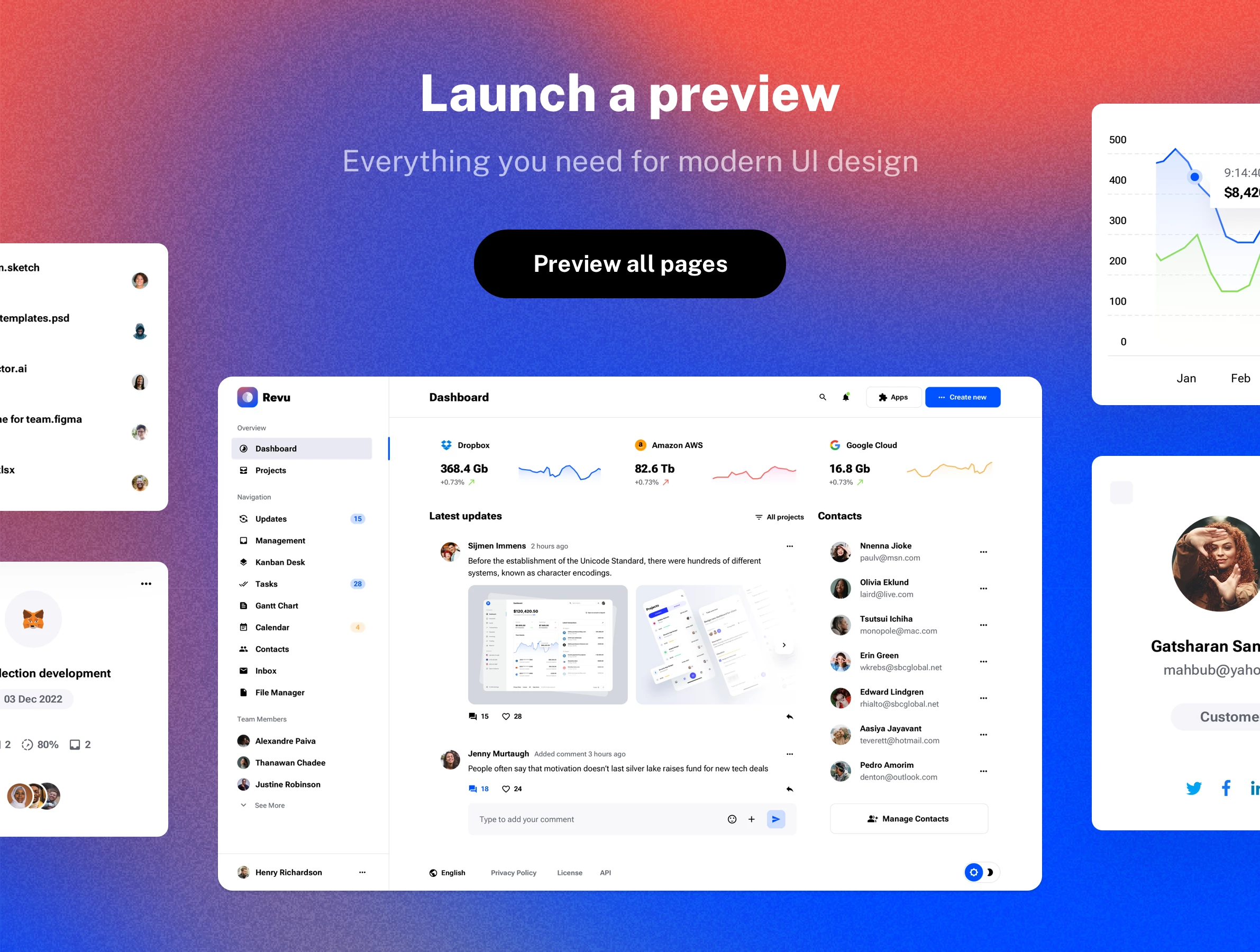
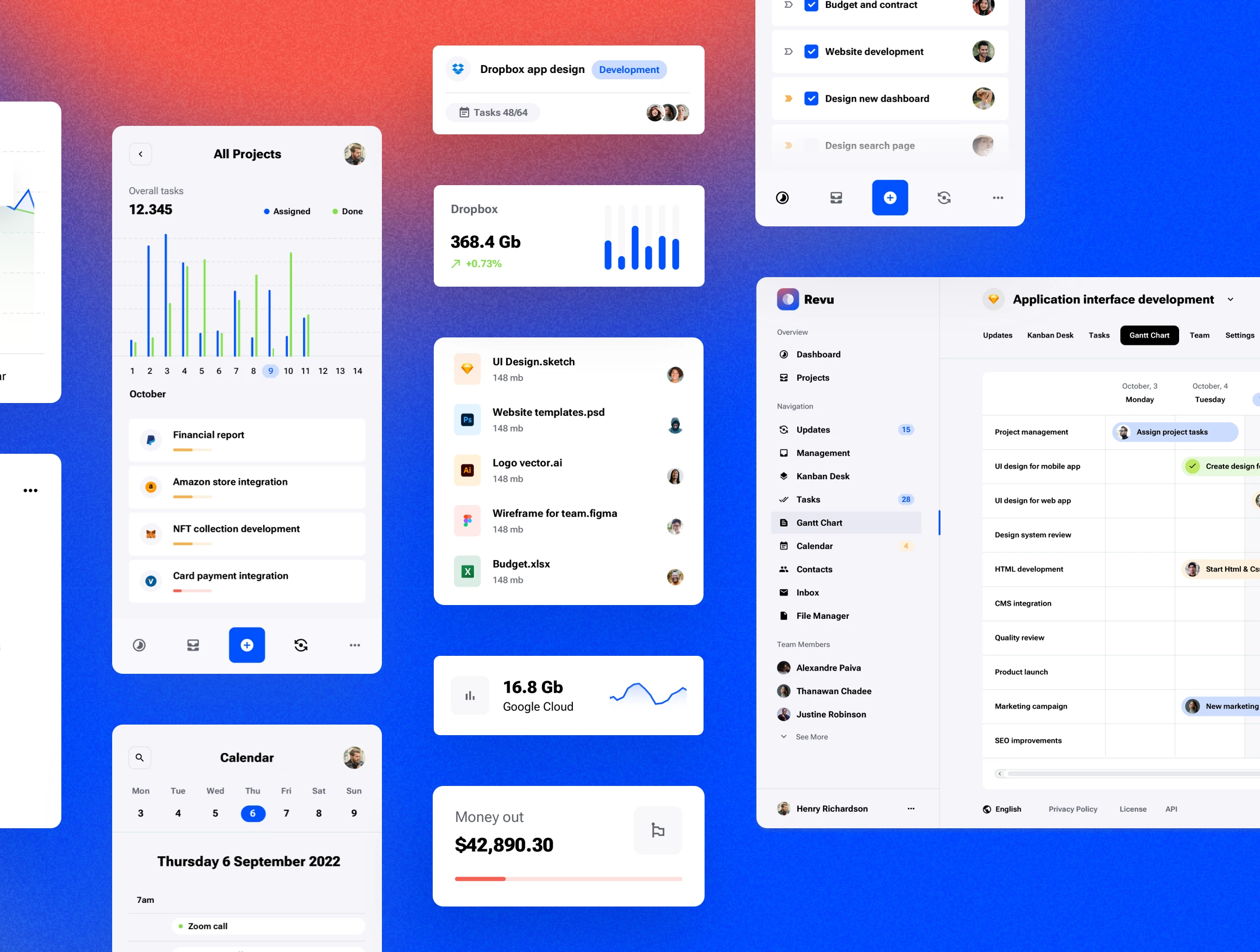
Revu is a top-notch UI kit that embodies the latest design trends and technologies. This highly detailed user interface template is perfect for designing web or mobile applications for a SaaS startup. With the Revu UI template, you can create a wide range of powerful tools, including: Project management apps, Calendar planners, Dashboards, To-do apps, Kanban boards, Database interfaces, CRM portals. This kit provides all the elements you need to build sophisticated SaaS solutions with a clean, modern aesthetic.
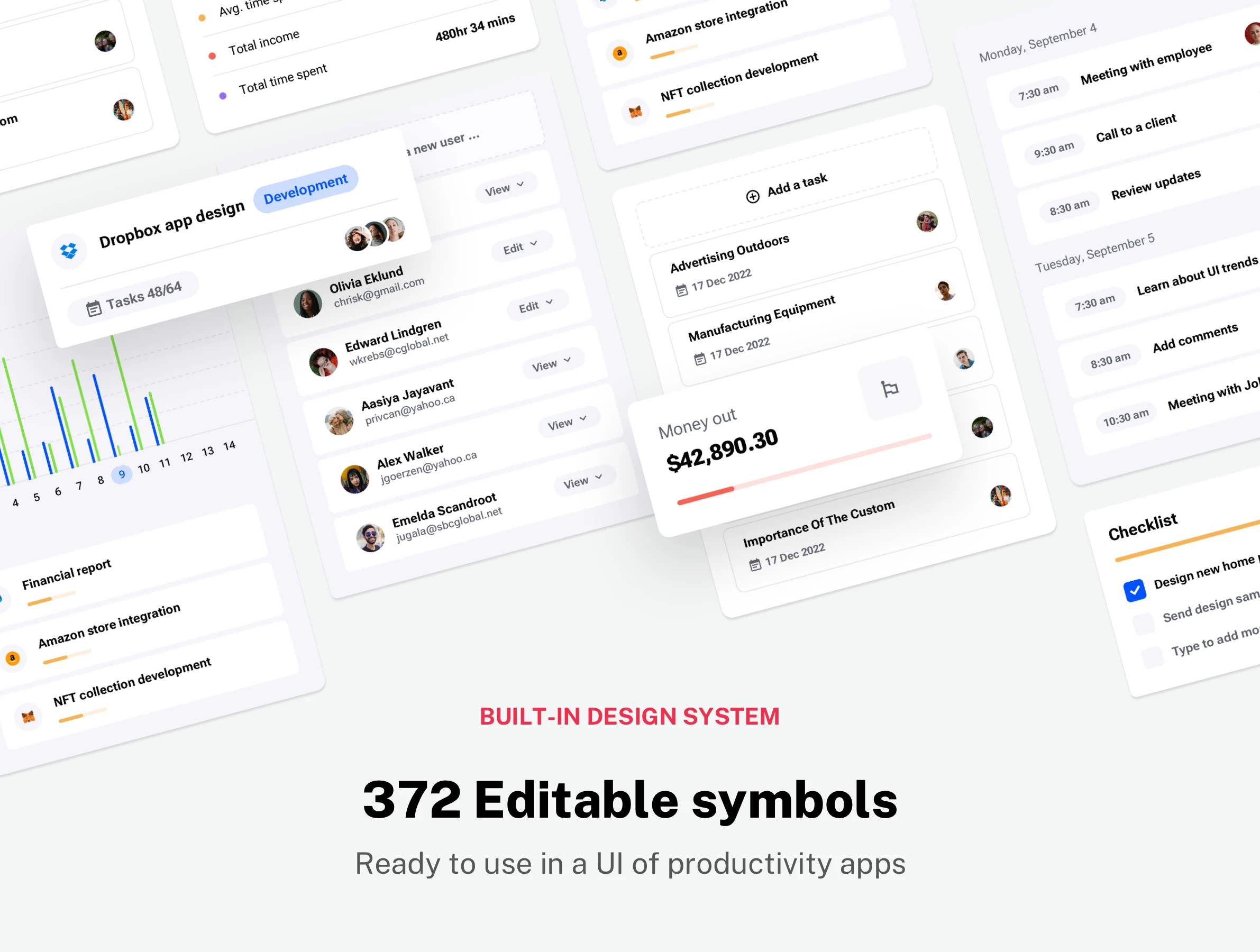
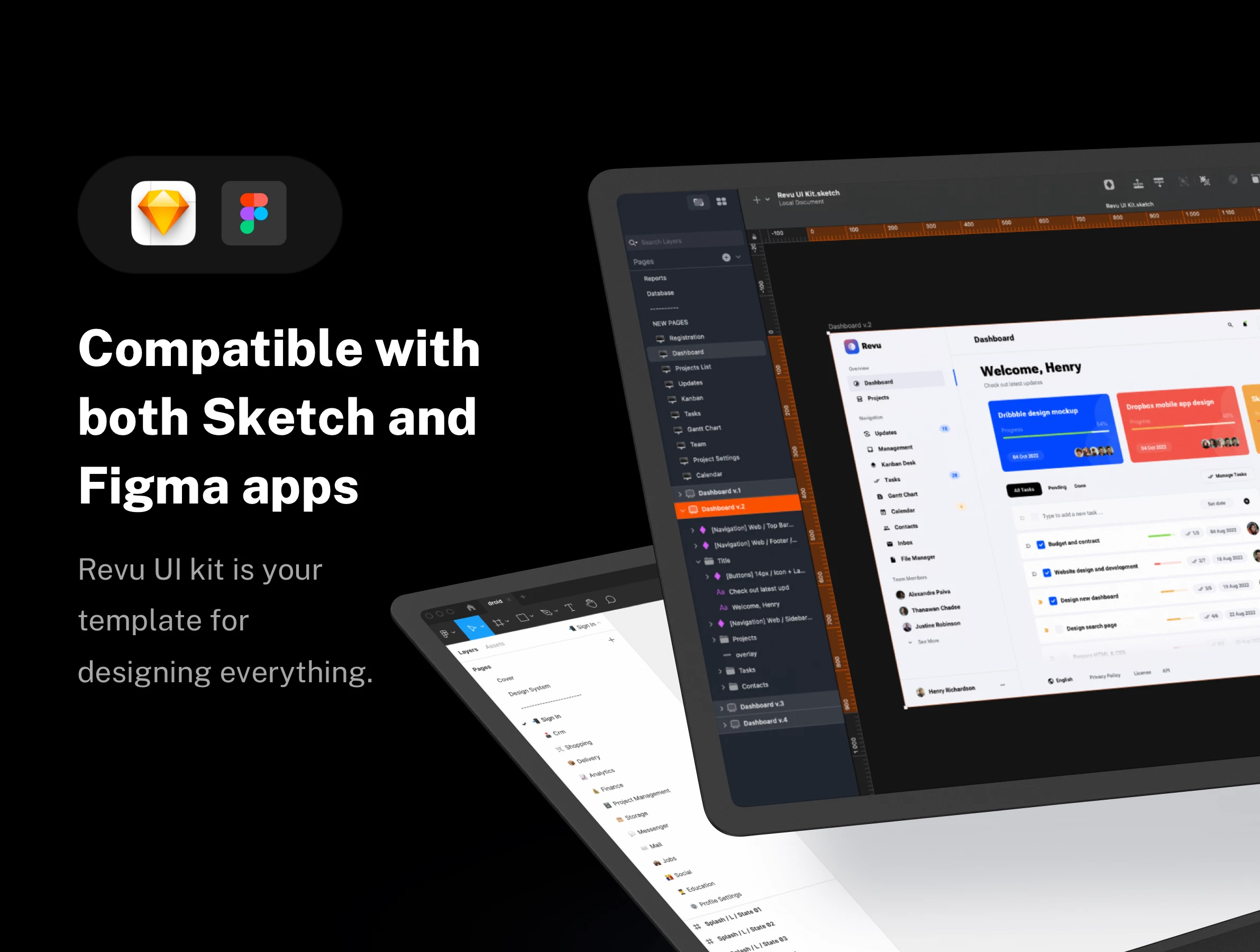
Revu is a comprehensive UI kit designed for both Sketch and Figma, giving you the flexibility to use your preferred tool. Its built-in Design System, which includes symbols, organized layers, and a selection of font styles, will help you design a user interface faster and more efficiently. Revu is the ideal starting point for designing user interfaces for SaaS applications.
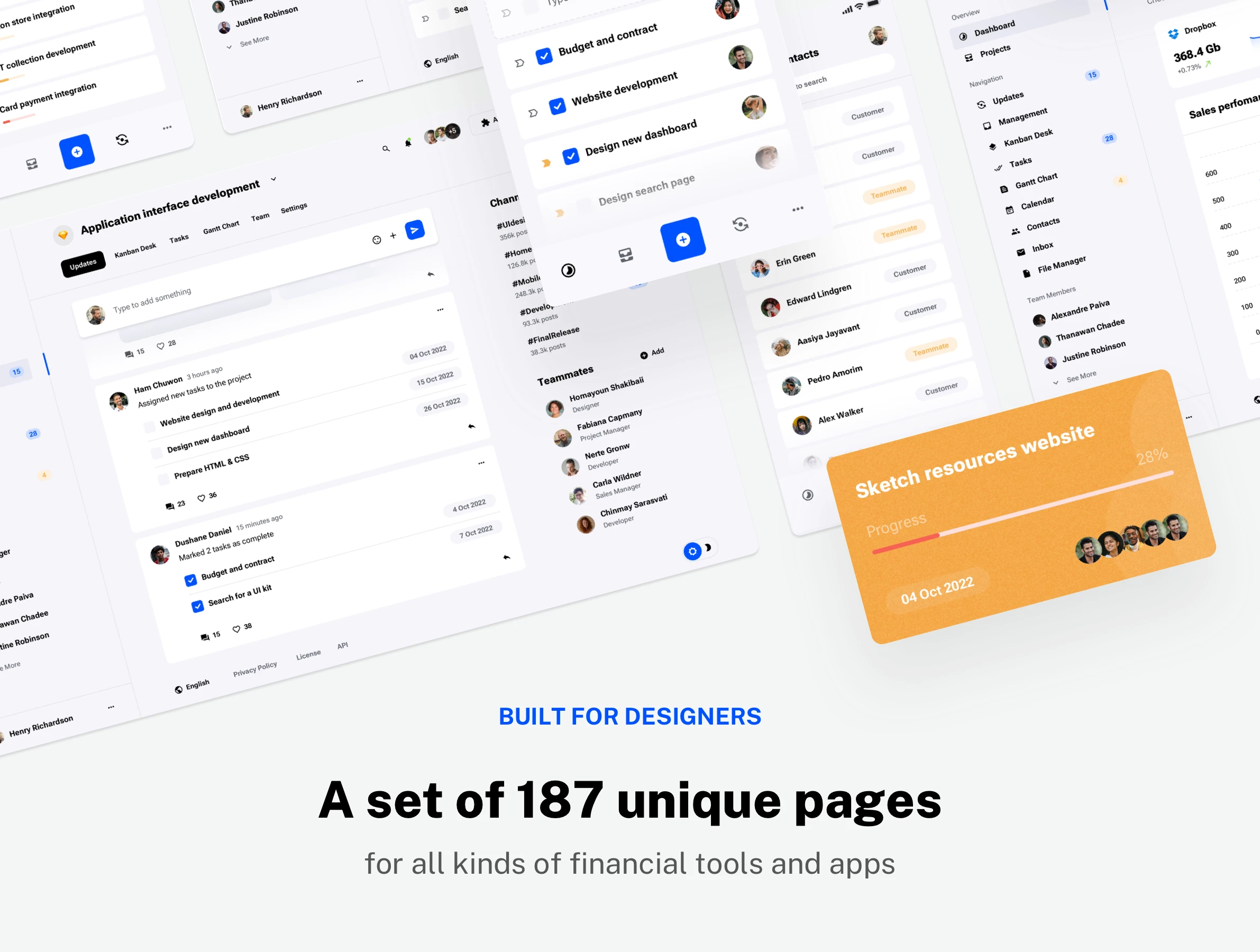
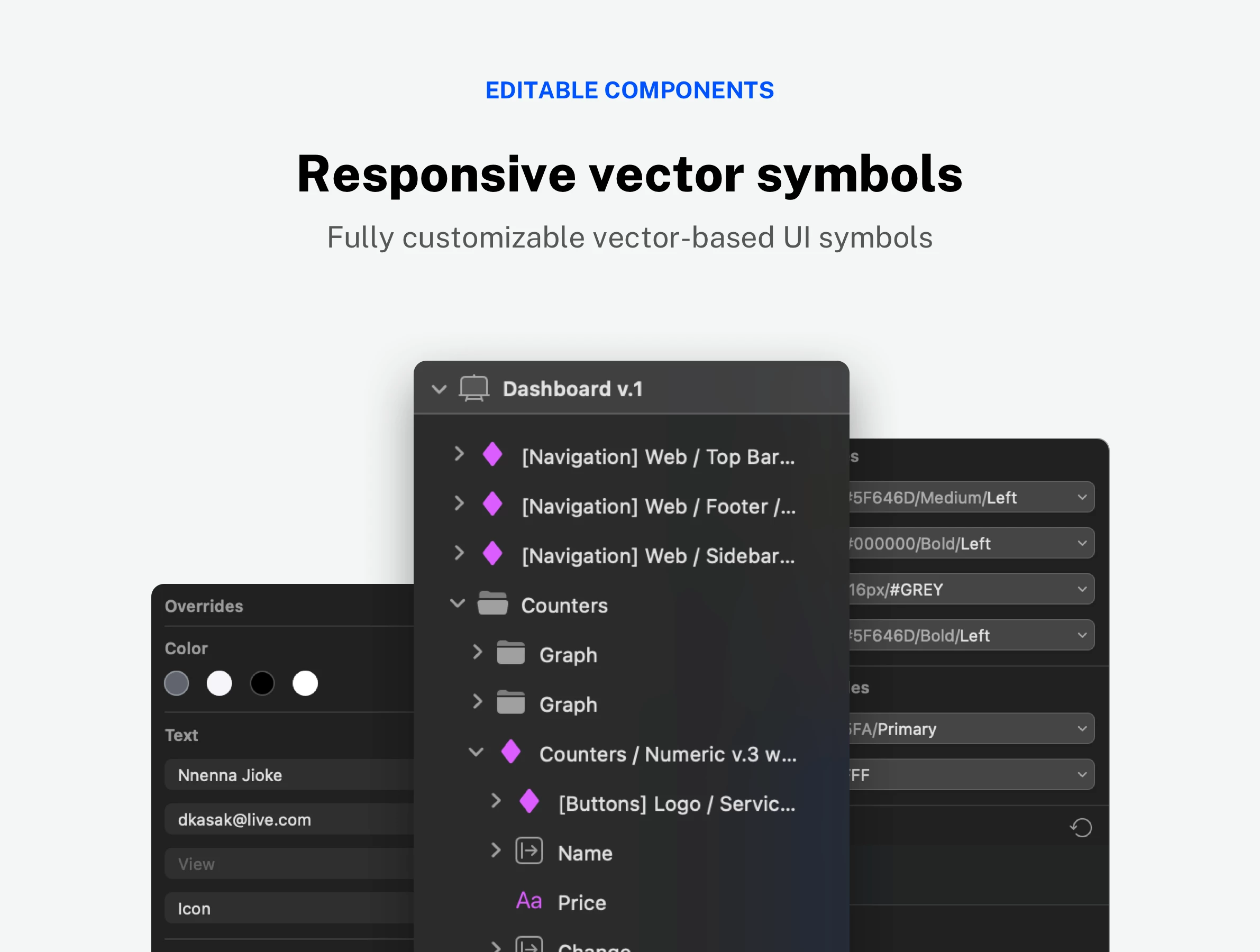
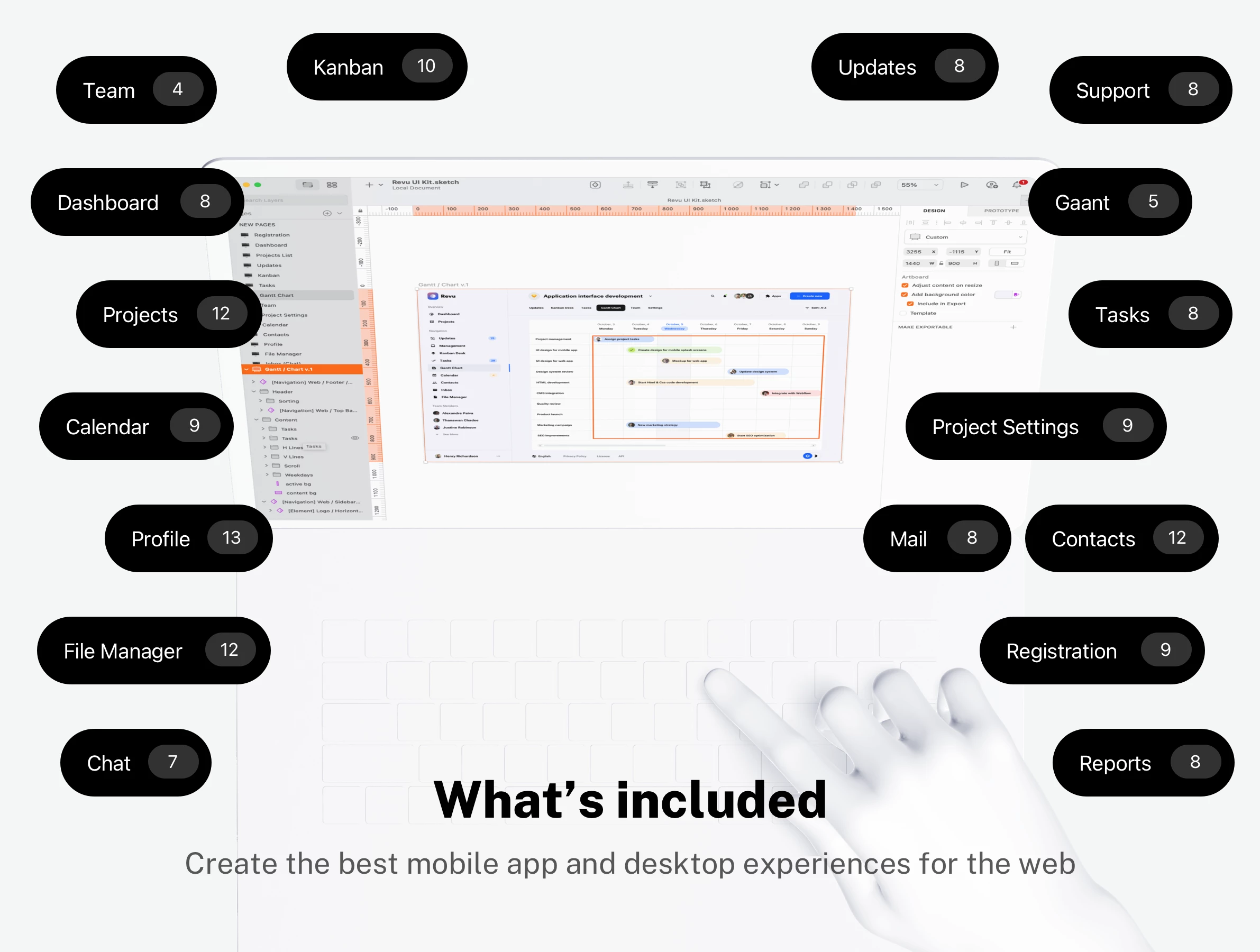
This kit provides 187 web pages and mobile app screens along with a set of 327 vector UI kit symbols to help you build your product from the ground up. All symbols and objects are vector-based and fully editable, giving you complete control over your designs. We've used the popular Google Font for text styles and Material Icon Font for icons, ensuring a clean and modern aesthetic. You can see all the included artboards in detail by viewing the full preview before you make a purchase.
Revu’s thoughtfully structured components and intuitive layouts make it easy to create a professional-grade interface with minimal effort. Our kit includes a wide variety of customizable elements, from intricate dashboards to simple form fields, ensuring you have everything you need to bring your vision to life. The consistent design language throughout the kit ensures a seamless user experience, making your SaaS application feel polished and reliable.
Changelog
- 🔄 December 20, 2024 - Added auto-layout support for Figma app
- 🔄 December 28, 2022 - Initial Release
Product summary
187 Pages
Breakpoints for
Web and phone
19 Categories
372 UI Components
Google Fonts
Design System
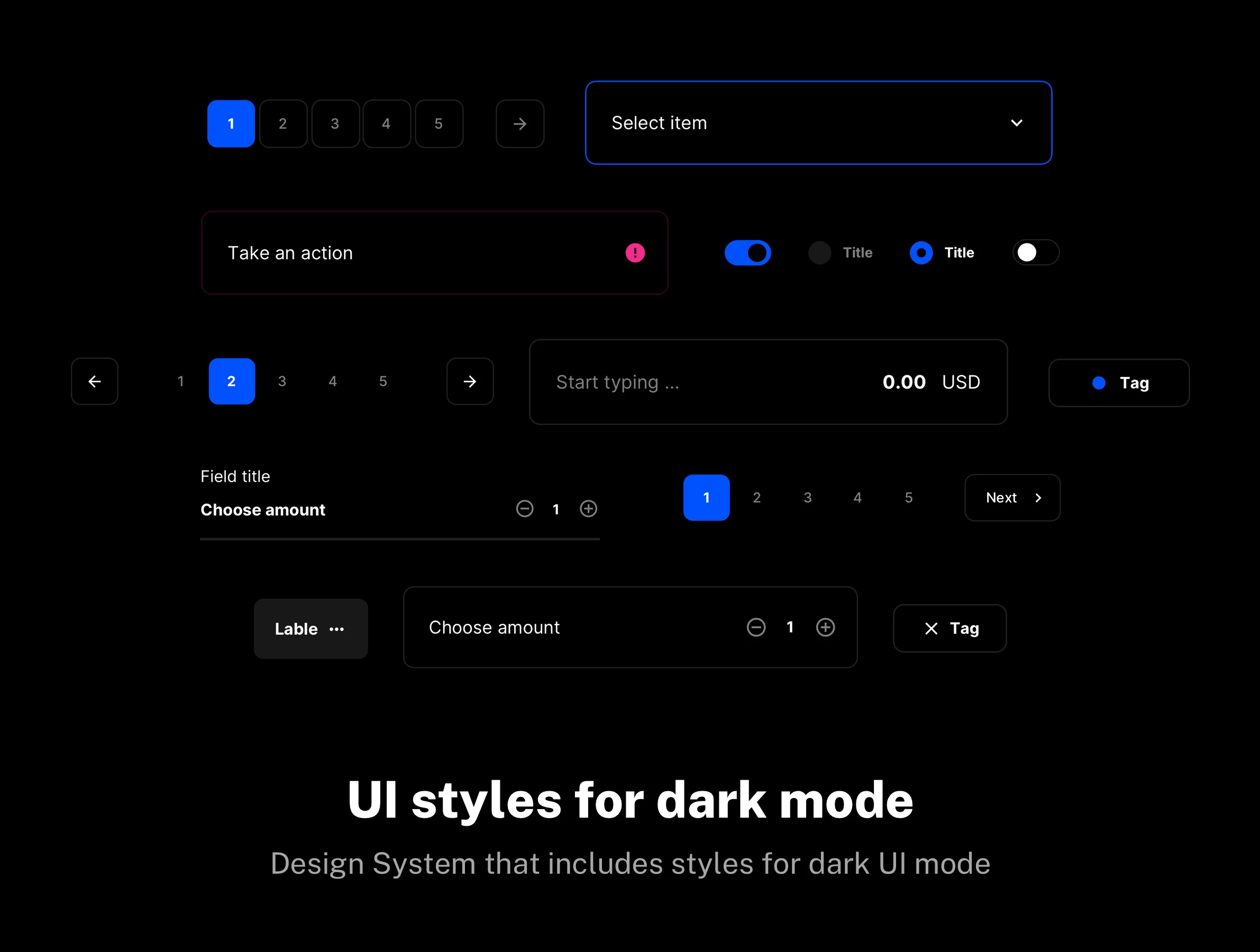
Light and Dark UI theme
Material Symbols & Icons
Framer components
Vector-based components
Content backed by Framer CMS
Styles & Color Variables
Well-organized design files
Figma Auto Layout
Sketch Stack Layout
Questions we get asked the most